



Set of 4 microfibre cloths – ILBAYS®
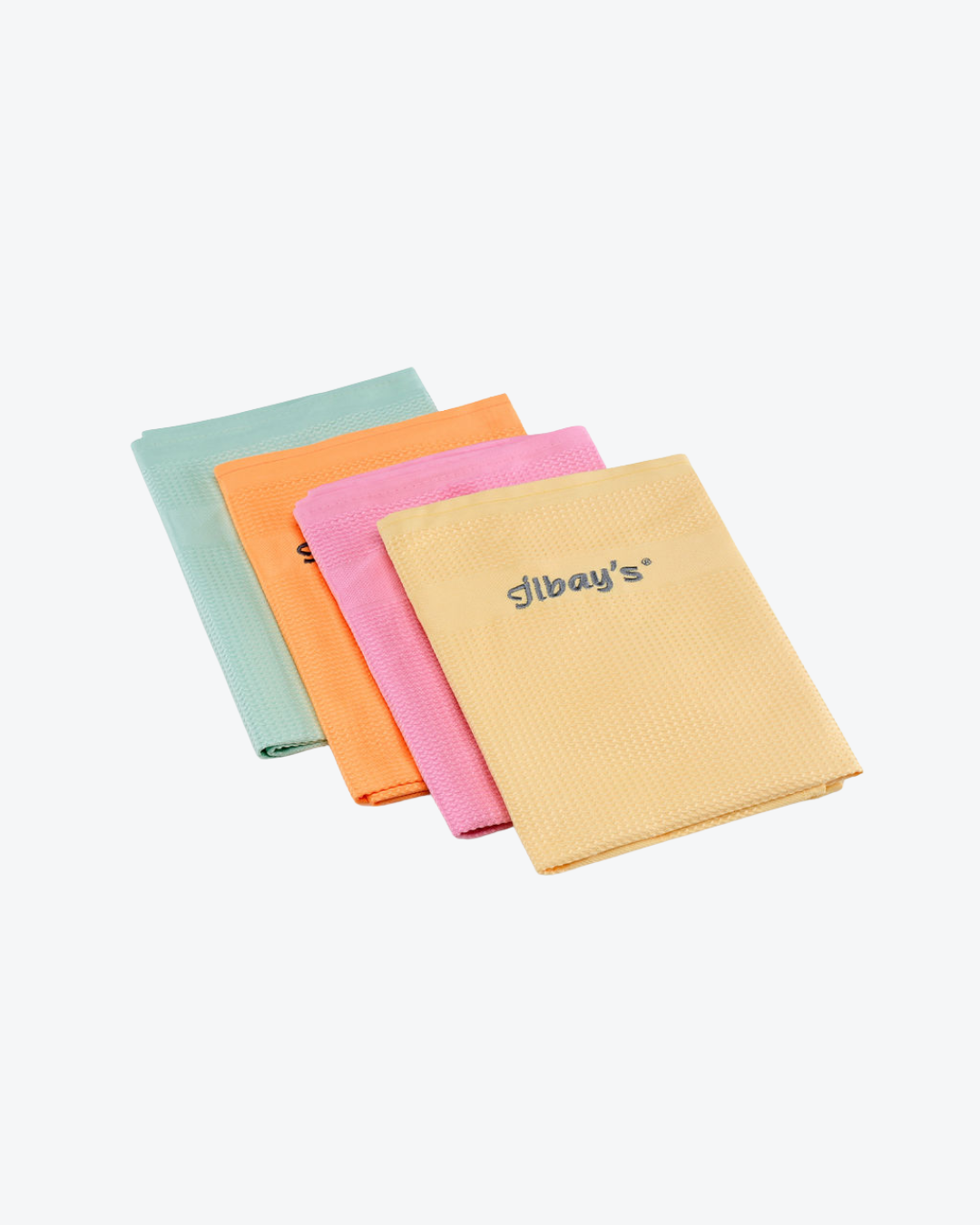
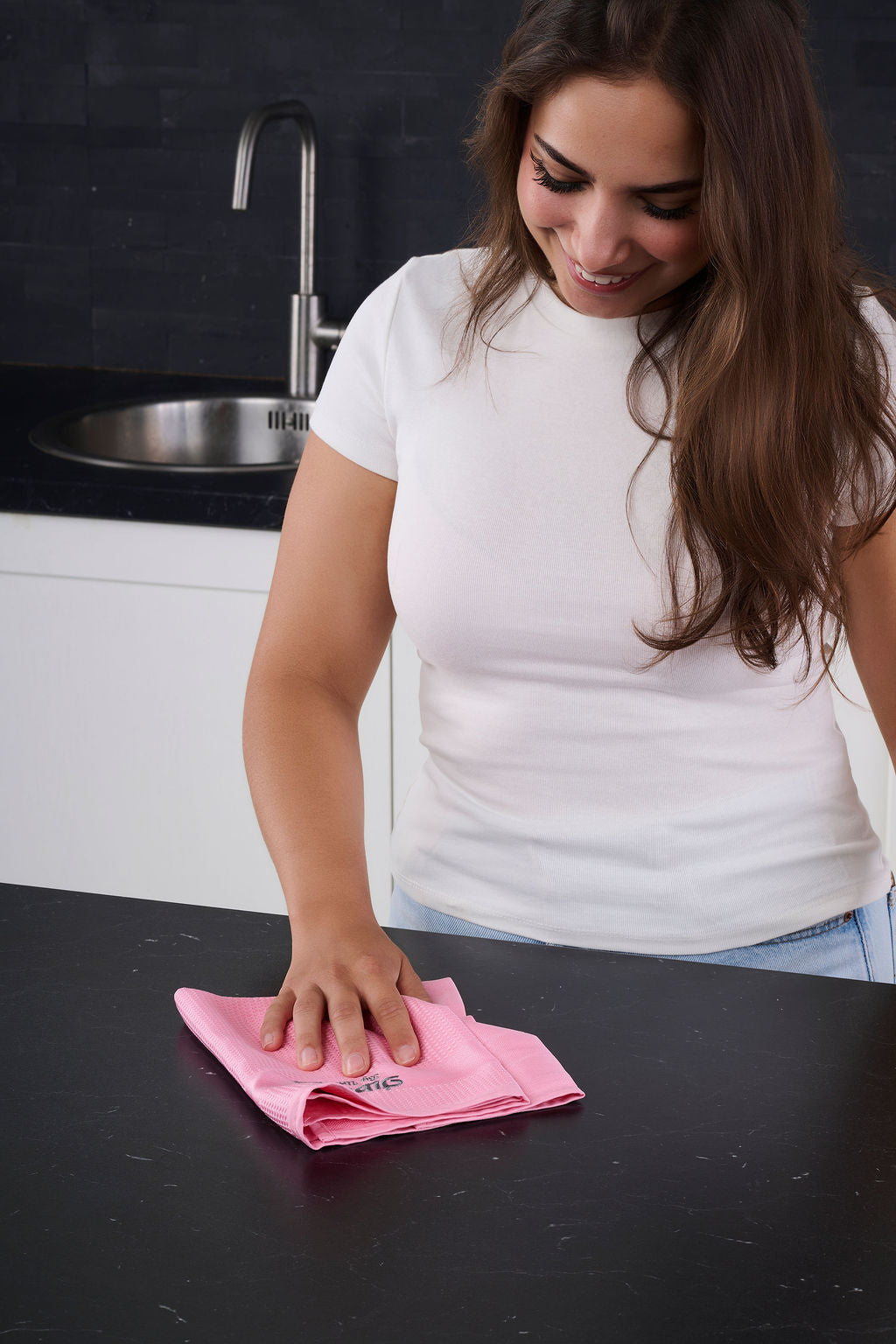
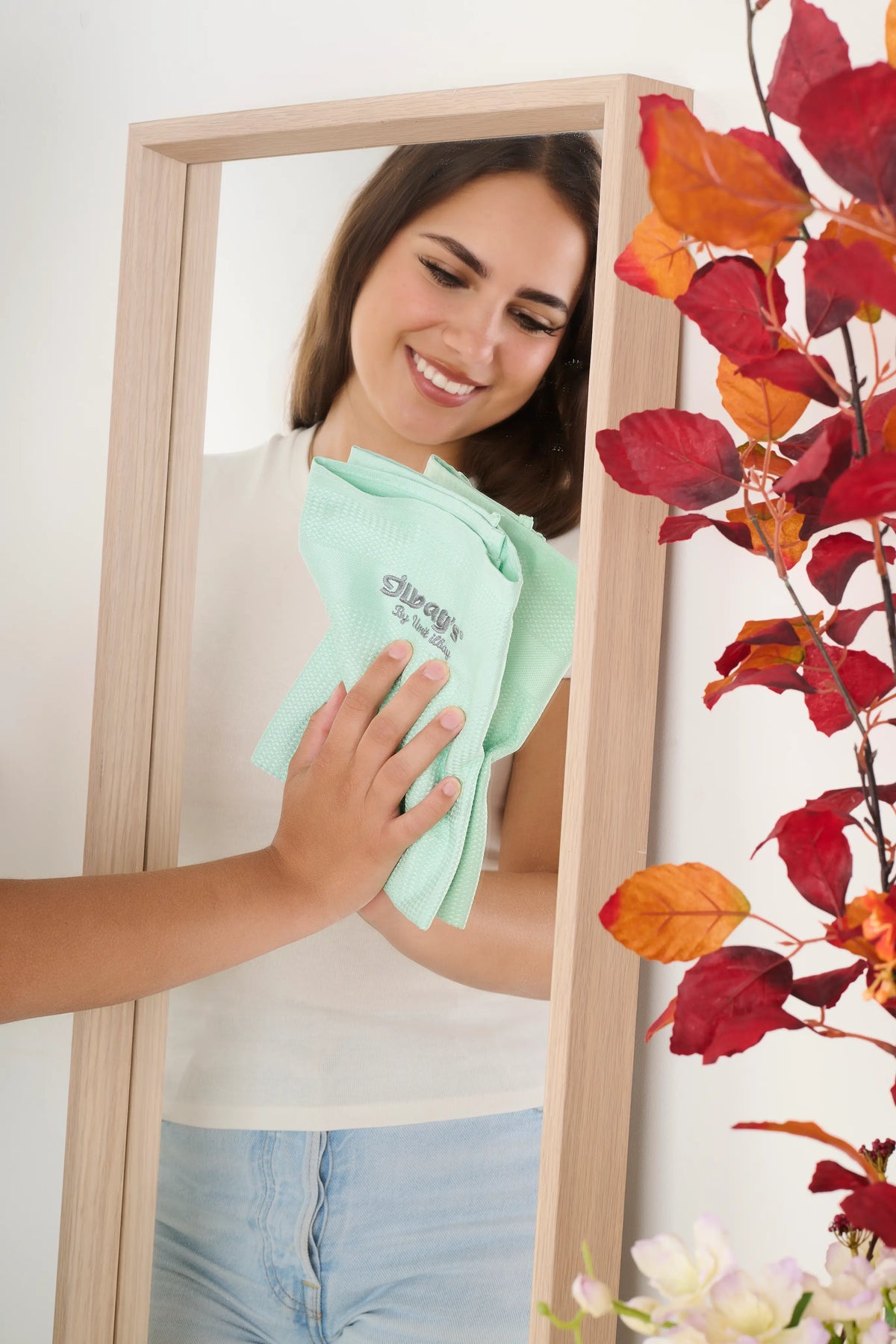
The ILBAYS microfibre cloth set of 4 is ideal for streak-free cleaning of glass, mirrors, windows, kitchen surfaces and other smooth surfaces. The cloths are suitable for use when dry or slightly damp and leave no streaks, dust or marks. Thanks to the set of 4, you’ll always have a clean cloth to hand for different areas of the house.
Veilig betalen met
That’s why you choose ILBAY’S
- Free shipping from €50
- Try 14 days risk free
- Ordered before 7:00 pm, dispatched today
- Secure payments via iDeal, Bancontact, Klarna, Apple Pay, Google Pay and PayPal
30 dagen bedenktijd.Zonder vragen
Achteraf of in delen betalen.Kan gewoon
Beoordeeld met een 9.4/10. Bekijk onze reviews
What is it?
A set of 4 microfibre cloths for streak-free cleaning of glass, mirrors, windows and smooth surfaces.
What do I get?
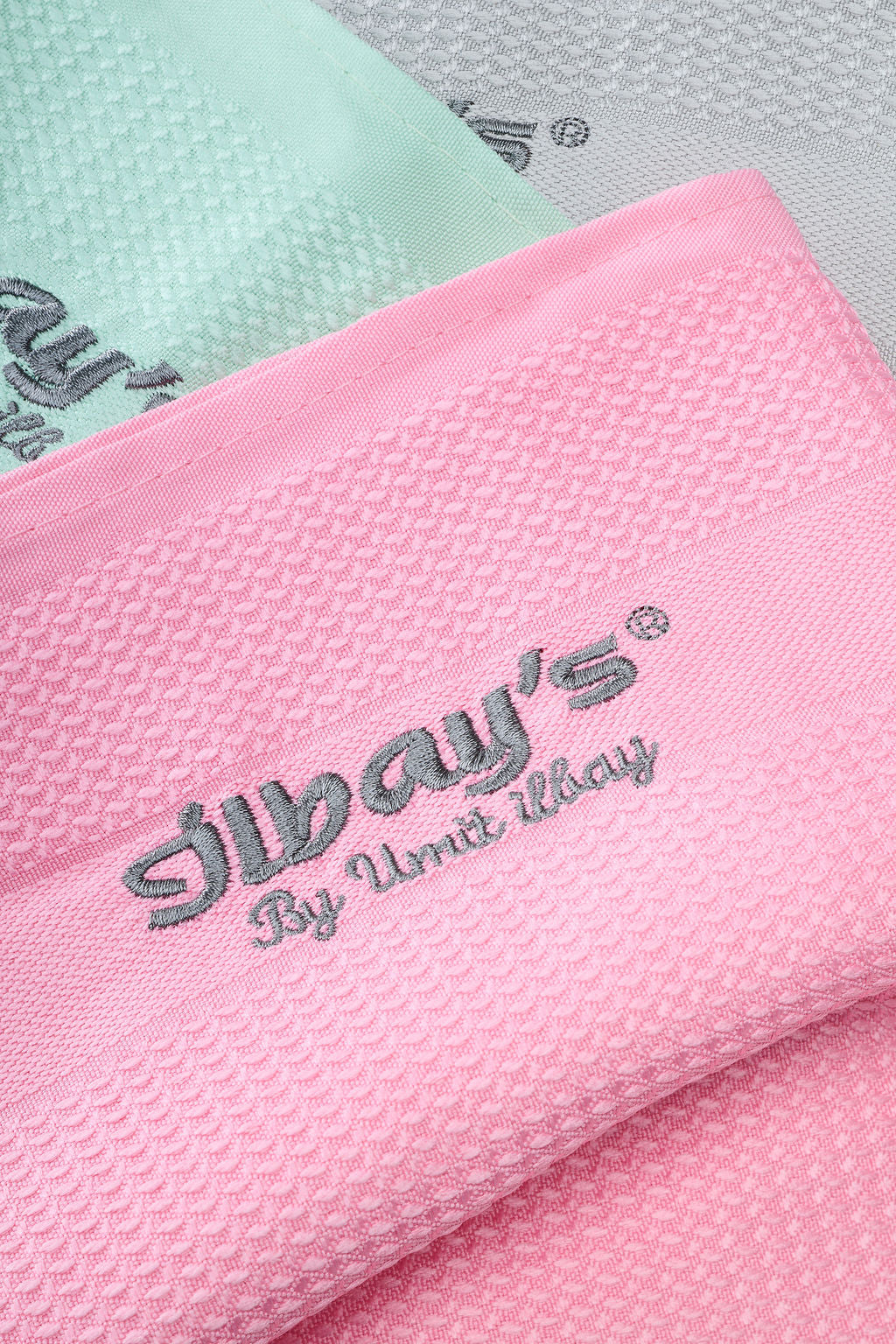
4 microfibre cloths in different colours.
How do I use it?
Use the cloth dry or slightly damp. Clean the surface and, if necessary, wipe it down with a dry cloth to ensure a streak-free finish.
Suitable for
Windows, mirrors, glass, kitchens, bathrooms, stainless steel, screens, furniture and car interiors.
Maintenance
Washable at 40°C. Do not use fabric softener, as this may reduce the effectiveness of the microfibre.
Specifications
Brand: ILBAYS
Product type: microfibre cloths
Quantity: 4 pieces
Use: dry and slightly damp
Material: microfibre
EAN: 8719326264509
Choose options
Voeg je Business Unit ID toe in de instellingen van deze sectie.
Cleaning? We don’t do that anymore.
With Ilbay’s microfibre cloths, you can keep windows, mirrors and screens streak-free. No smears, no streaks, no fuss. Just a quick spray, a wipe, and you’re done. You can use them safely on screens, high-gloss cupboards and glass doors. It’s just as easy.
How to use Ilbay’s microfibre cloths
Use the cloths dry or slightly damp to remove dirt, dust, and marks without leaving streaks.
When cleaning a tablet, smartphone, or laptop, apply one spray of a suitable cleaning solution to the cloth never directly to the device and gently wipe the screen. This keeps your screens clean, clear, and fresh.